How to Boot off a DVD/CD - BIOS Help
PAGE 1/2
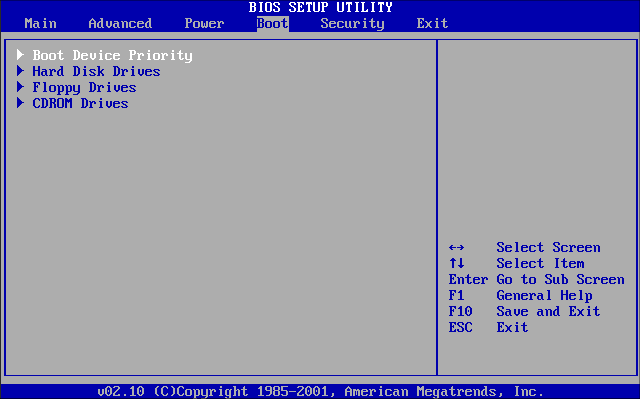
Once highlighted press "ENTER" to enter section. Now select "BOOT DEVICE PRIORITY". As noted before your "BOOT DEVICE PRIORITY" my be located in a different place, don't worry, have a look about for it.
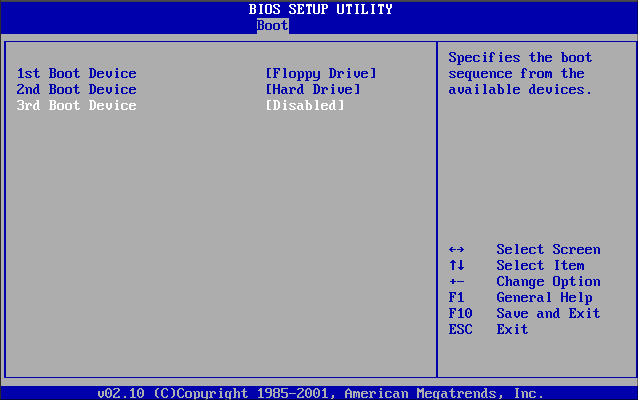
Once in "BOOT DEVICE PRIORITY" section, you will see 1st boot device is set as "FLOPPY DRIVE" use arrows keys to select this item and press "ENTER"
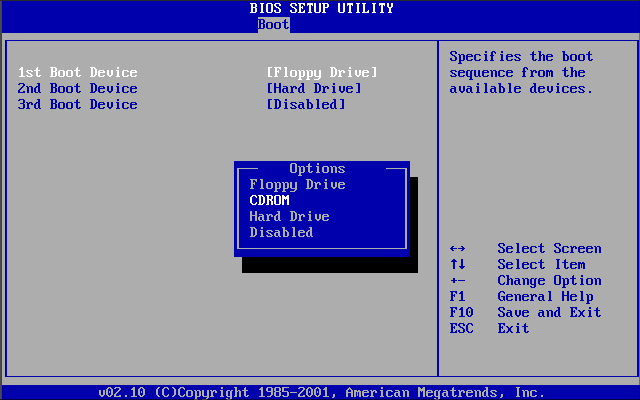
Now you will have an option on drives to use, select "CDROM" (This can also be DVDROM or the name of the drive) and press "ENTER"
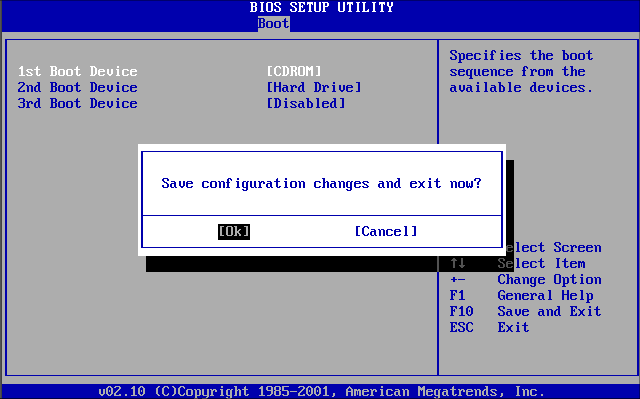
DVD/CDROM is now your first boot device, you will now have to save settings and exit, on most computers you press "F10" on the keyboard, if not press escape until you see a menu that says "SAVE AND EXIT". Anyway confirm exit by pressing "ENTER" on "OK". Some Computers will require you to put "Y" to confirm, if so do this and press "ENTER".
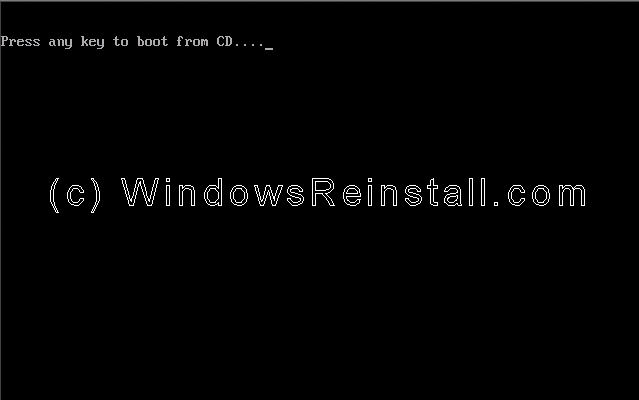
You should now be able to boot of CD or DVD
PAGE 1/2
