Welcome to Microsoft's Windows XP Professional Parallel install guide for earlier versions released without a pre-installed service pack or service pack1. This guide is step by step and should be used when you either run two operating systems, or to access, repair or retrieve Data from a damaged operating system. This is a dirty install of windows (Which leaving damaged files and possible virus/spyware infection on drive). Parallel installs are usually only advised for backing up, data retrieval and running multiple operating systems.
| Special Notes: Use a different username if performing task is for data recovery. This version of Windows XP Professional does not support large hard drives, and if you are using one that is bigger than 137 GB then you will not be able to access any of the space above that number during install. You could consider slipstreaming the service pack onto your disk. See here Windows should see the hard drive during setup, if not then use this guide: INSERT GUIDE
|
Your Windows XP Professional CD Windows XP COA, or serial number. Your computer Plugged into Mains Power A Computer, with the usual accessories (Mouse, monitor, keyboard etc) CD-ROM/DVD Drive.
To start this Windows install. First check that the first boot device in your system BIOS is set to the CD-ROM Drive. ( To find out how to access the BIOS please refer to your motherboard manual or the manufacturer of your Computer. (The system bios can usually be entered on boot, usually by pressing the F1, F2, F8, F10 or DEL key. Make sure you save the settings before exiting)) If you are unsure or don't want to enter the BIOS then just test the computer by putting the CD-ROM in the drive and reboot your computer. This is the recommended way to install windows.
Special Notes: Also if you have difficulty getting Windows to boot of the CD then check out CD-Rom Support Guide, Change CD-Rom in Bios and Boot Disks to get bootable floppy disks to install Windows from. If you get this error message "Setup did not find any hard disk drives installed in your computer" then use the following link to guide you through that problem. - Click here for hard Disk cannot be found guide Parallel installs for different operating systems are not advised fo the same partition or drive, use a separated partition of hard drive for running multiple operating systems as common files in Program Files, C: drive, user directories can clash and cause multiple errors and issues.
|
|
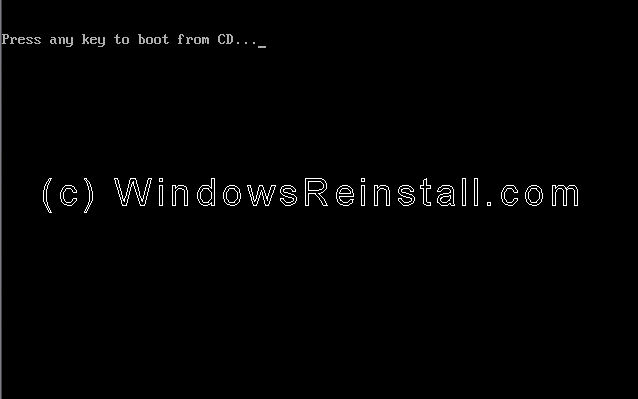
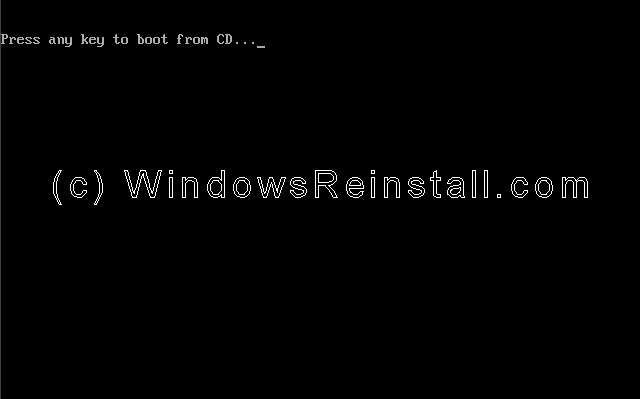
For full page, full sized image guide click here To begin insert your Windows XP Professional CD and reboot you computer. A message "Press any key to boot from CD....." will appear, press the space bar to continue.
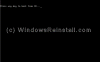
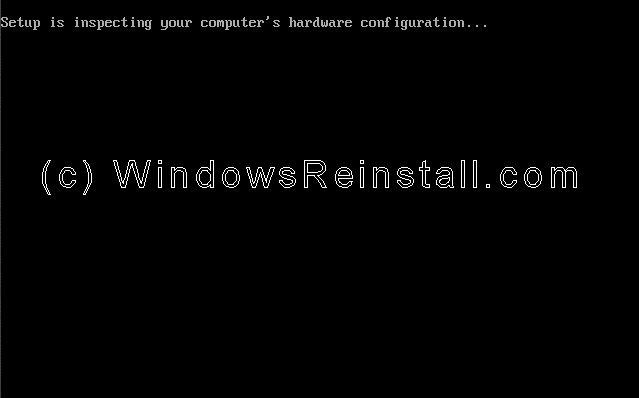
Setup will now inspect your computer hardware and configuration.
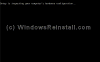
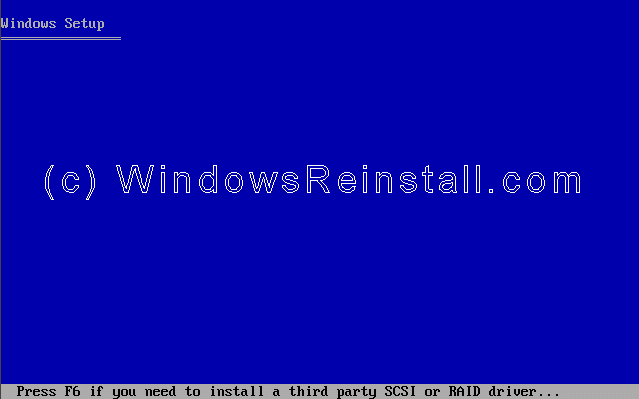
Setup now prepares your computer for install.
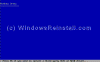
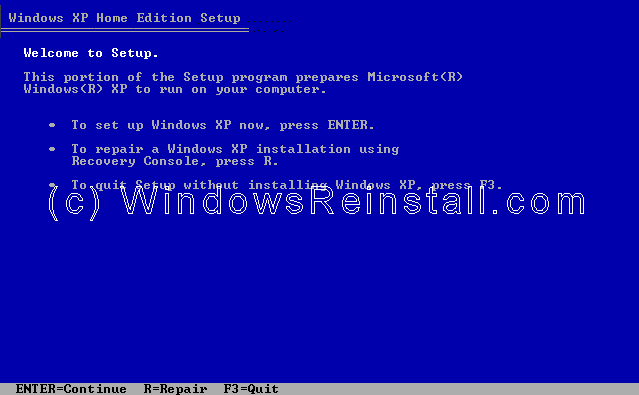
From this menu press "ENTER" to begin the install.
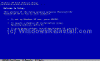
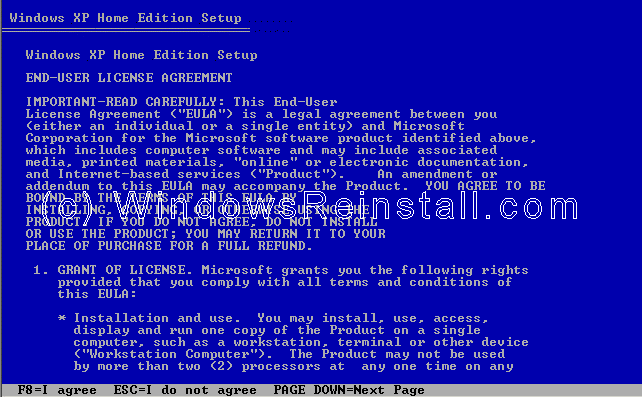
Windows XP License agreement, read, and if you agree press "F8" to continue, press "ESC" if you disagree. If you disagree setup will finish.
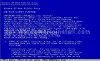
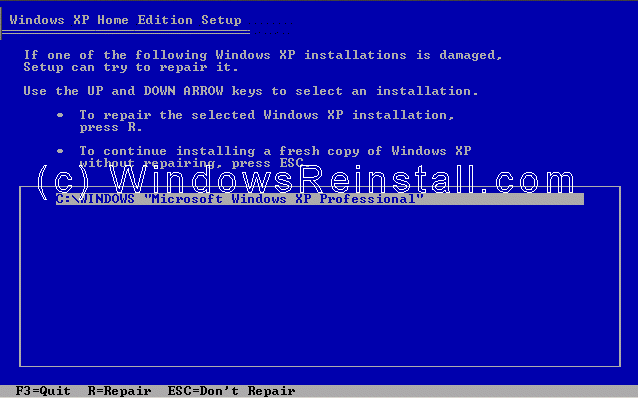
Your previous install will be located, press "ESC" to continue the parallel install.
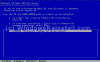
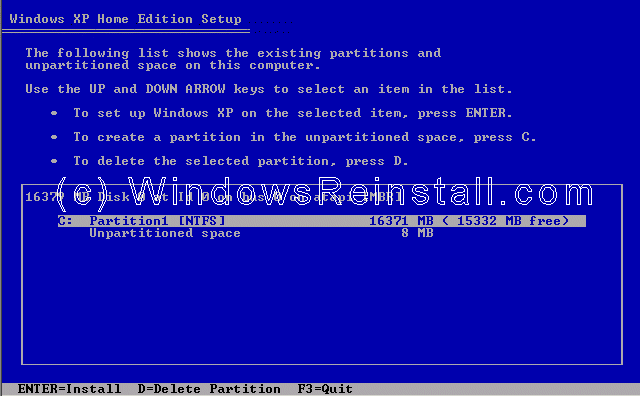
Now use the up and down arrow keys to select the partition you want to install into. Press "ENTER" once selected to continue. You can use the same partition as the previous operating system.
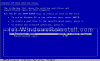
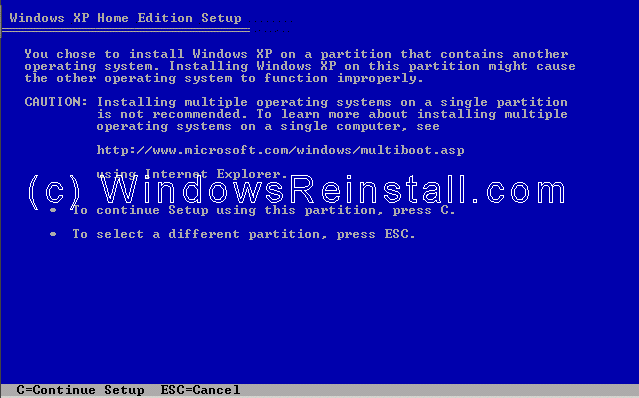
Windows will now ask you to confirm the install. If you are satisfied with your decision then press "C". You can return to the previous menu by pressing "ESC".
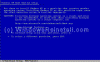
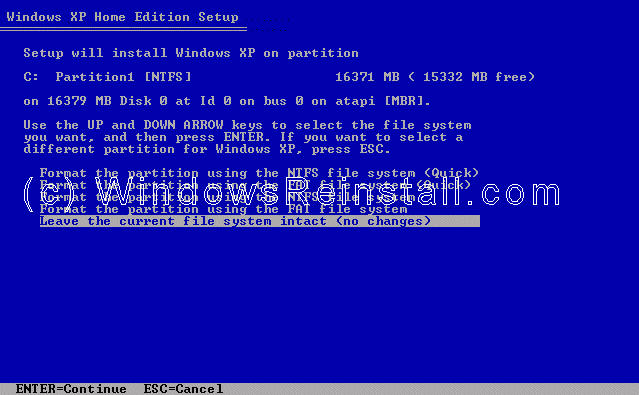
Now you will be asked if you wish to format the drive, select "Leave the current file system intact (no changes)" and press "ENTER"
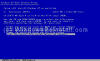
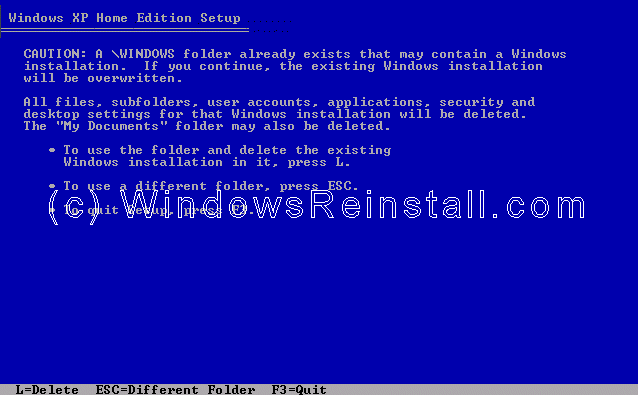
Windows will now warn you that the Windows directory already has an operating system, press "ESC" to select a different folder.
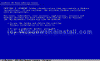
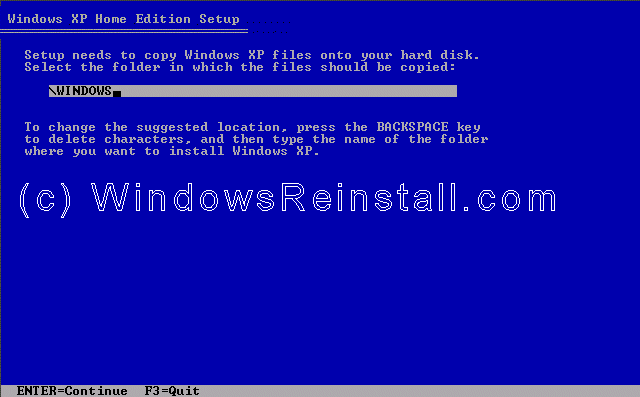
You will now be asked to change the folder that Windows installs into.
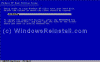
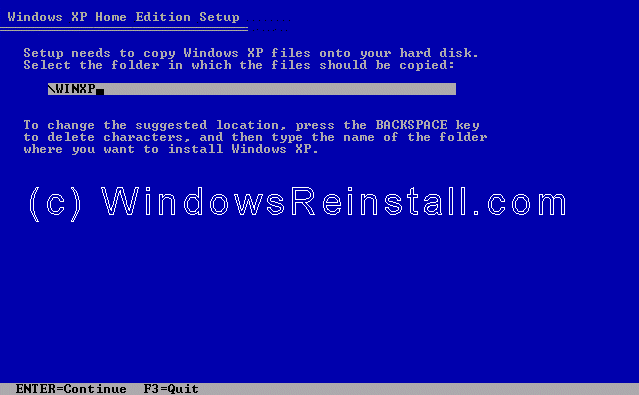
You can change this to whatever you want, in the example we used WINXP. Press enter once changes have been made to continue.
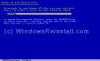
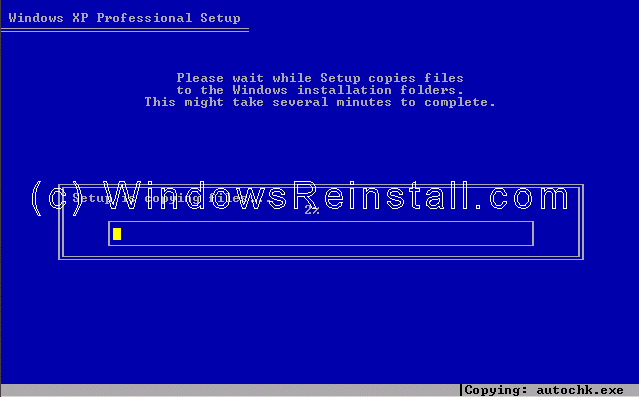
Setup will begin to copy files.
Setup now initializes the Windows XP configuration.
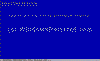
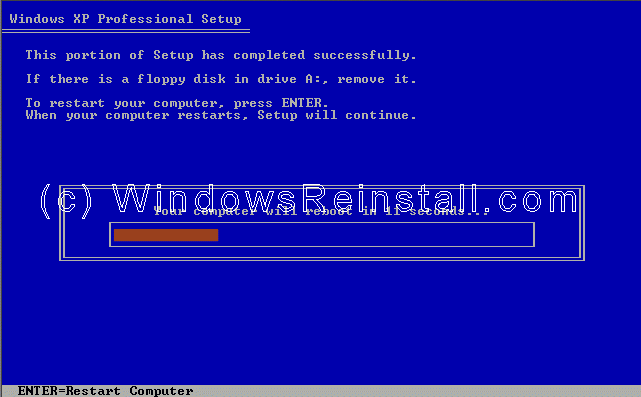
It is now time to restart Windows XP, press "ENTER" to speed up process, otherwise Windows will do it itself in 15 seconds.
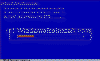
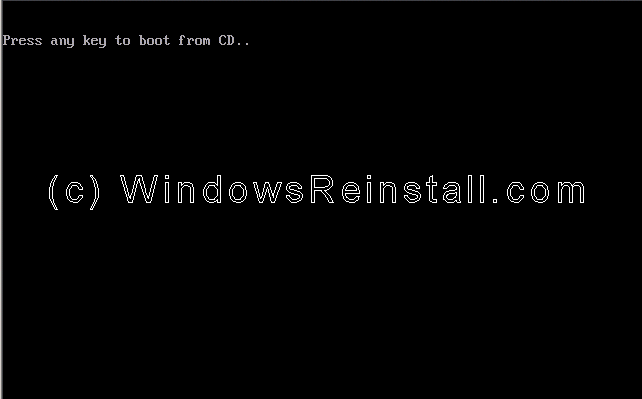
Boot will recognize that the XP CD is in the drive, DO NOT press any keys, let setup bypass the CD boot.
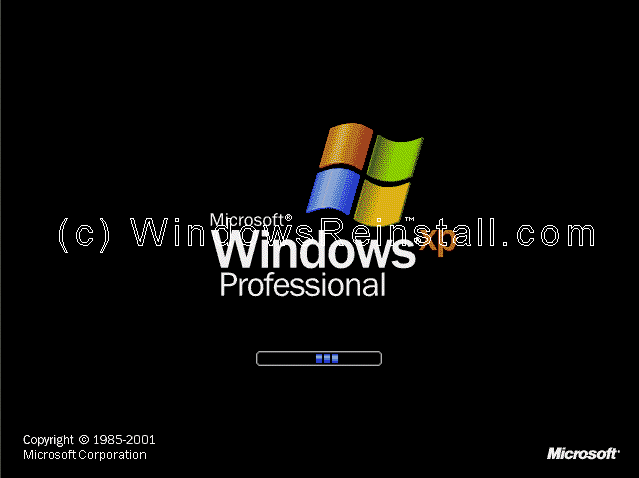
Windows is now booting.
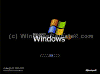
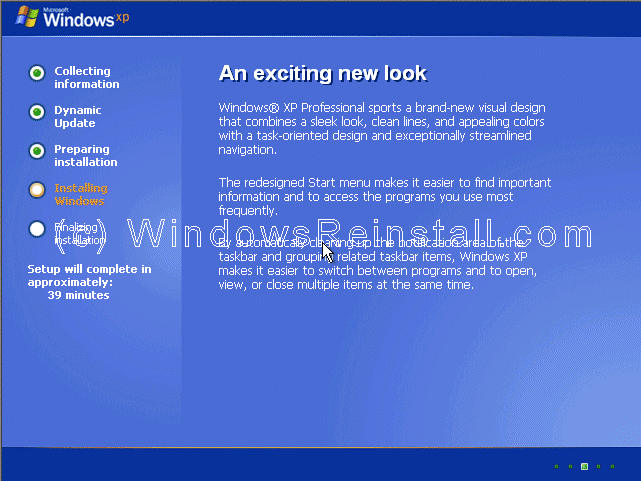
The install process continues.
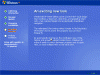
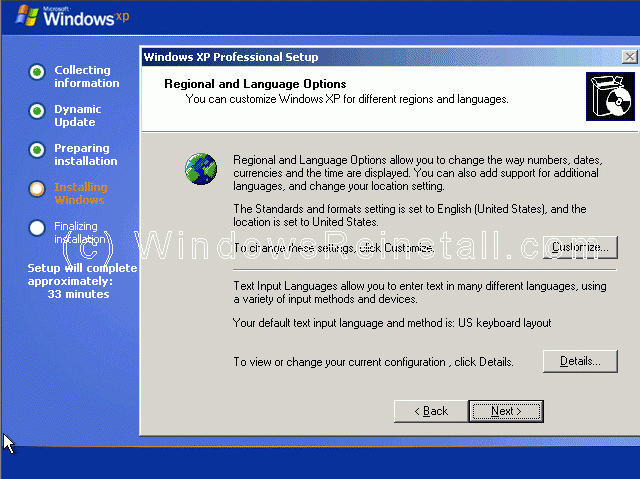
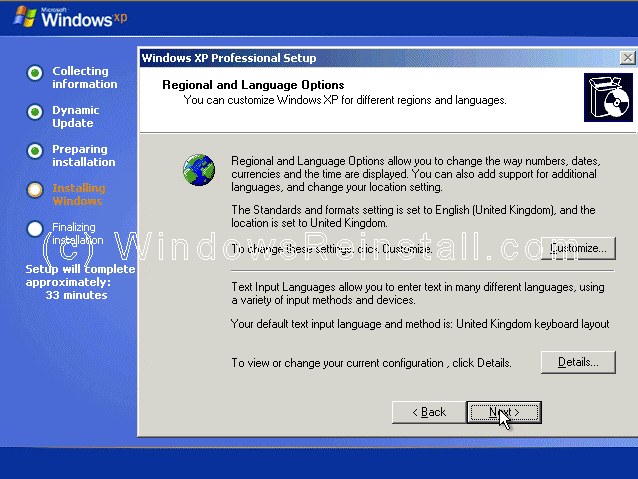
Now your regional and language options. Your mouse should now be active, so click on "CUSTOMIZE".
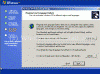
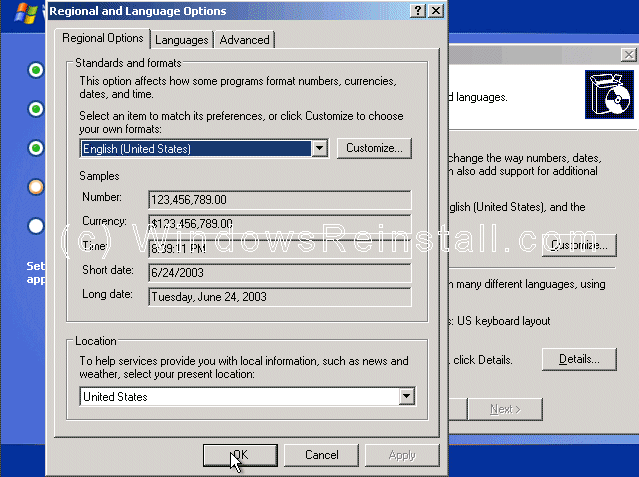
Now select your Standards and Formats, plus your location, then click "OK".
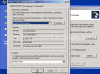
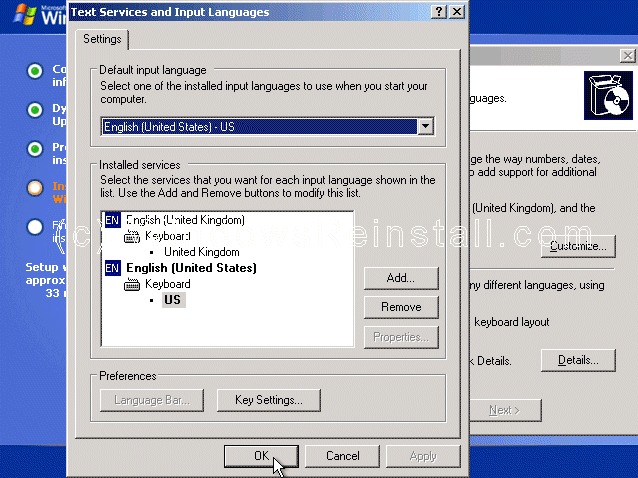
Now click on "DETAILS".
Next select your default language, click "OK" when done.
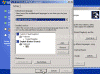
Now that you have made all necessary changes click on "NEXT".

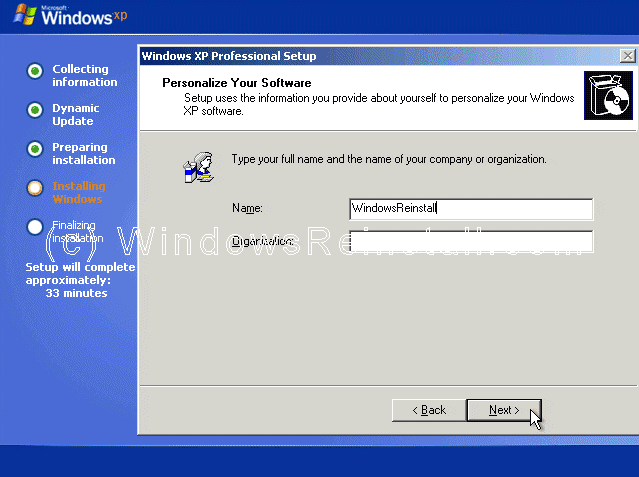
Now it is time to personalize Windows. File in your name and if you wish you can also file in the Organization section. Click "NEXT" when ready. 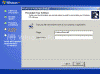
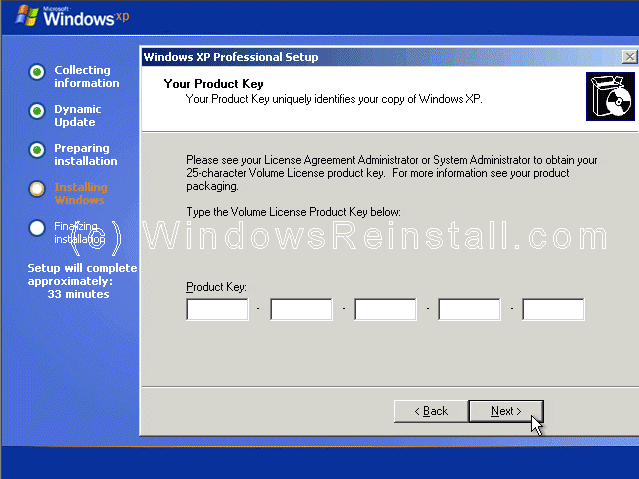
Now it is time for your product key. The product key will be on the packaging that XP was supplied with. It is 25 digits long. Some OEM computers will have a sticker on the side or back with your product key. Input the key and press "NEXT". 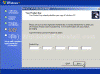
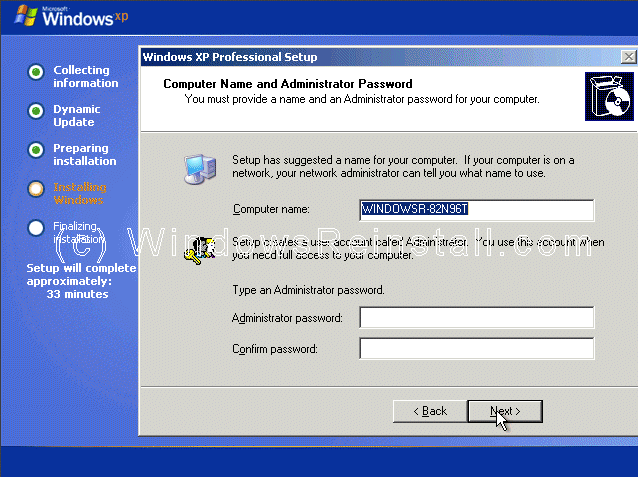
Now select your computer name and your admin password. Confirm the Admin password and press "NEXT". 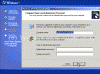
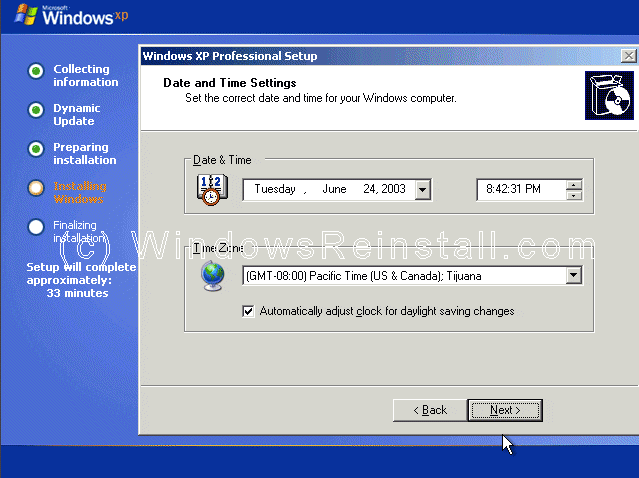
Date and Time settings are next, change as need be, then press "NEXT". 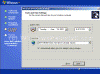
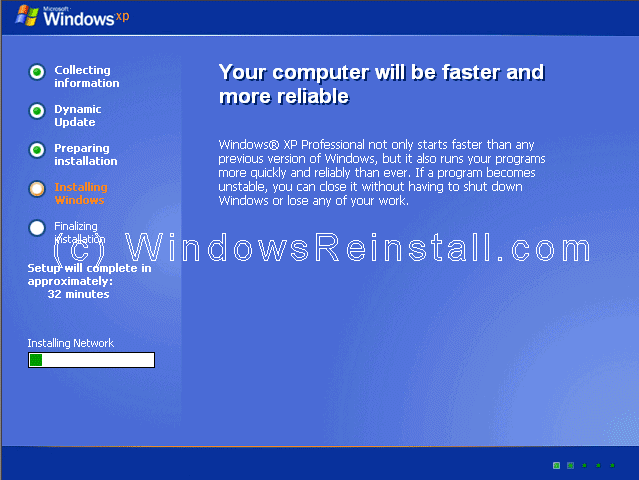
Windows will then continue installing. 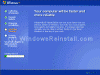
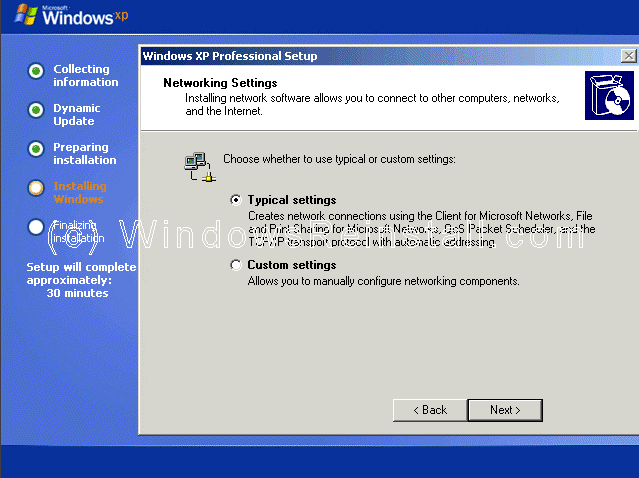
If a network card has been detected then you will get the following menu. Select "TYPICAL SETTINGS" and press next. This configured later in Windows.
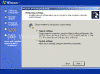
More network configuration, change workgroup name if need be and click "NEXT".
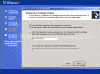
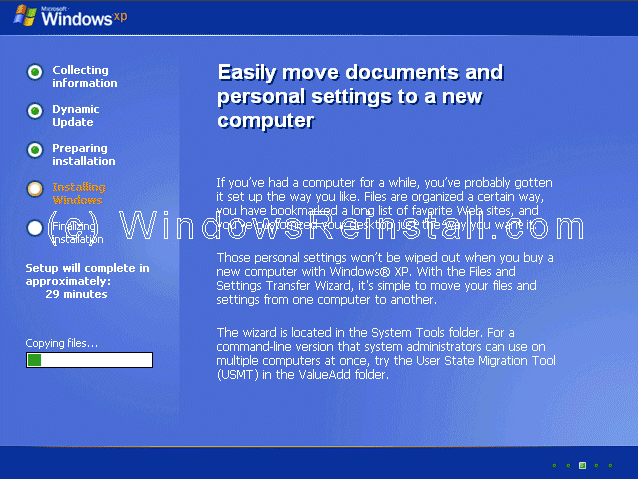
Windows will continue installing.
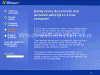
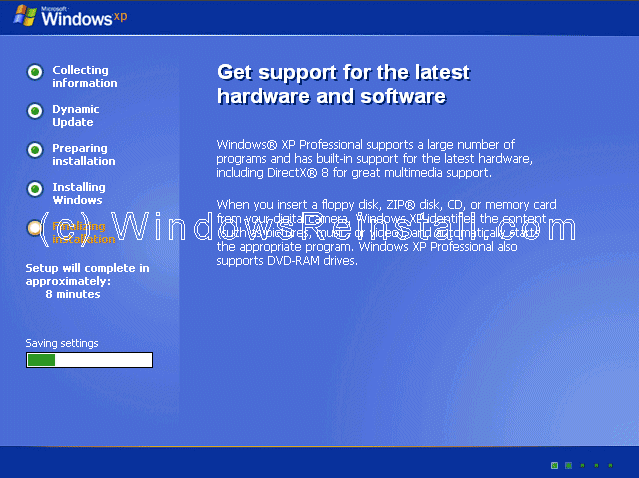
Windows install will now finalize.
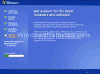
It is now time to restart Windows XP again, press "ENTER" to speed up process, otherwise Windows will do it itself in 15 seconds.
Boot will recognize that the XP CD is in the drive, DO NOT press any keys, let setup bypass the CD boot.

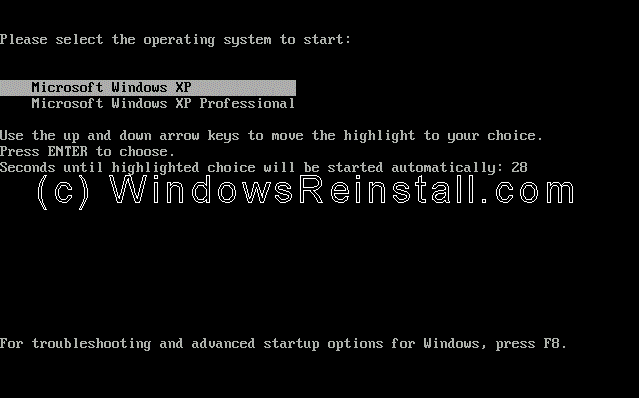
You will now have two options on boot, the new install of Windows will be the bottom option, select this using the arrow keys and press and "ENTER".
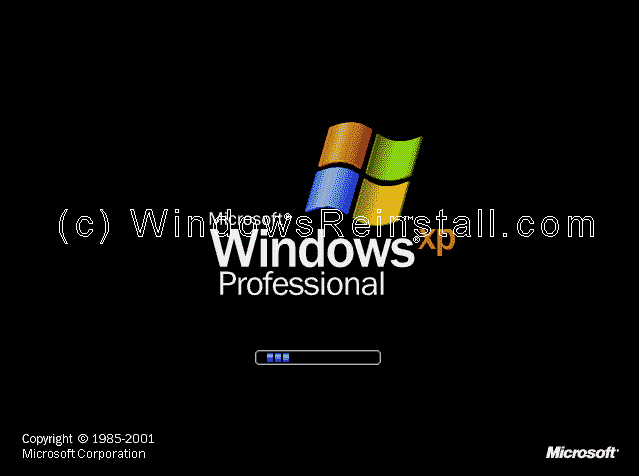
Windows will continue loading.
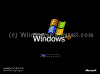
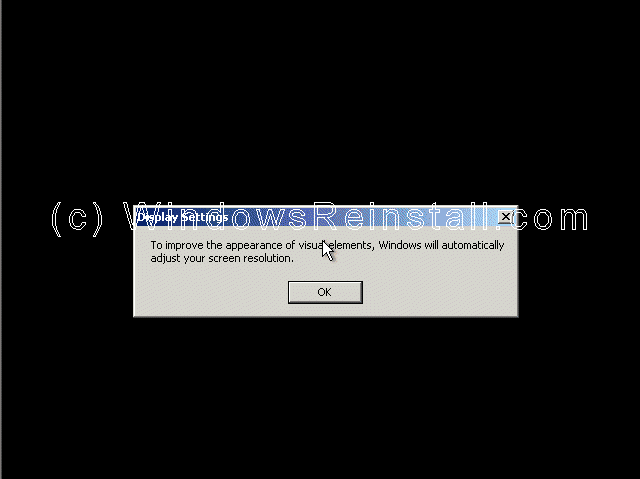
Windows will now adjust your resolution, click "OK" to continue.
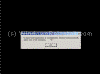
If you are happy with the changes, click "OK" otherwise press "Cancel" to return to the old settings
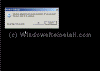
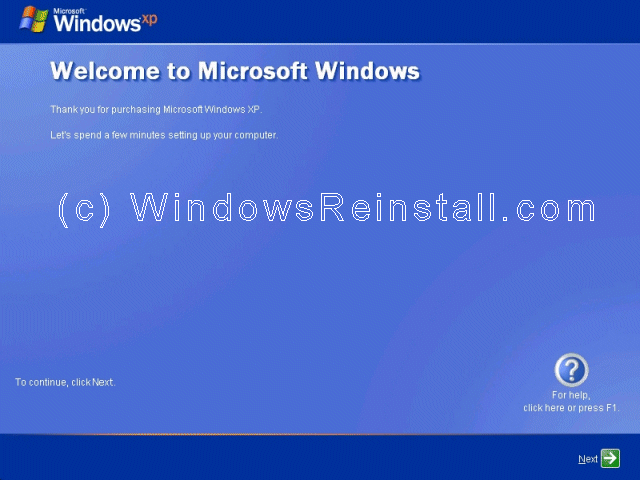
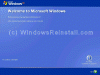
"Welcome to Microsoft Windows" screen now appears, press "Next" to continue.
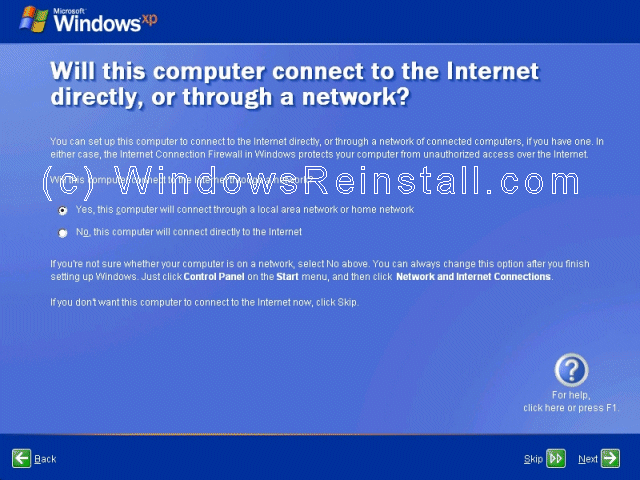
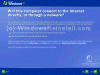
Internet connection option is next. If your computer connects to a Professional network or directly using the network card, or is on a network then select "Yes", otherwise select "No".
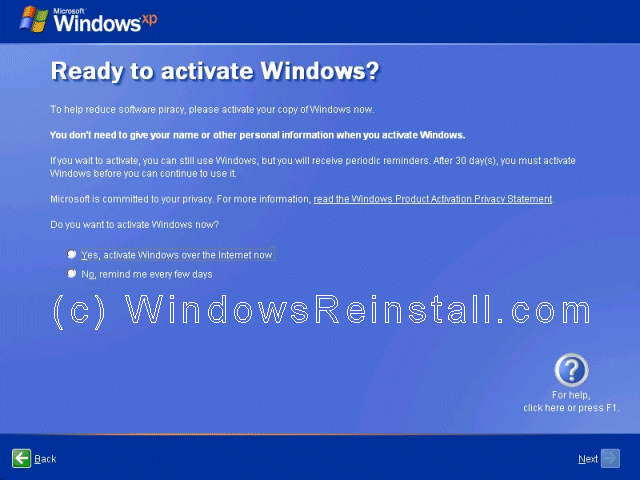
Activate Windows option appears next, we recommend that you select "No, remind me every few days", that will allow you to make sure everything is correct and running OK before you use up one of your activate attempts. It also allows you to setup your security options and internet connection correctly. Click "Next to continue"

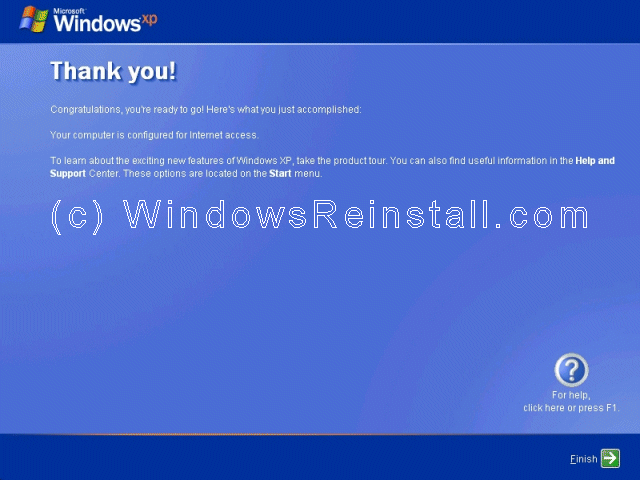
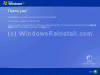
Windows now thanks you, click "Finish" to continue.
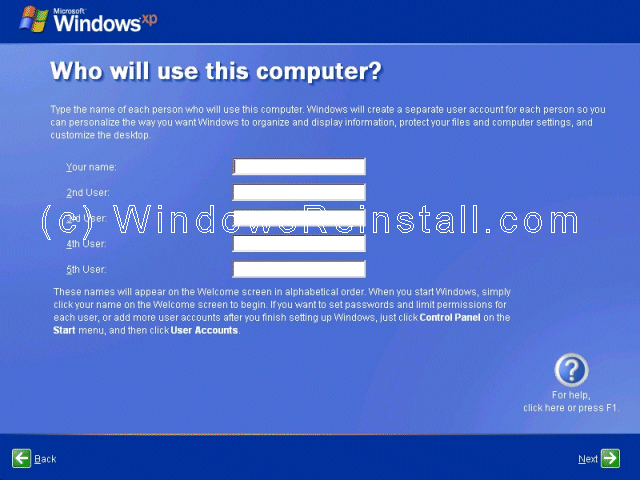
Finally setup the users for the computer, you must fill in option beside "Your name" the other four users are optional. Click "Next" once you have finished to continue.

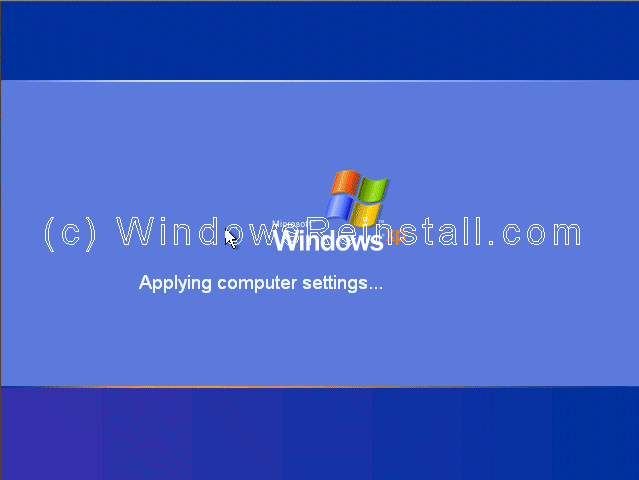
Windows will now apply your settings...

Now Windows "WELCOME" screen.

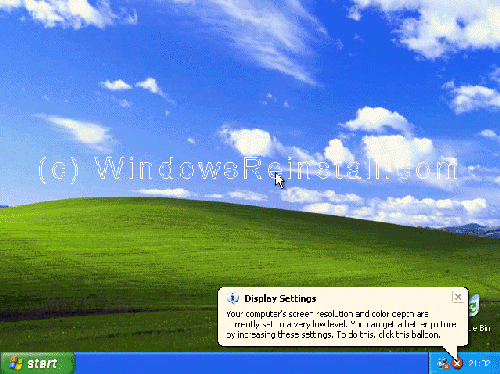
and finally the Windows XP Desktop. Windows is now installed.
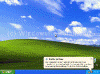
If you are lucky you will have no drivers to install, but chances are the next step will be to install them. Check out device manager for unknown devices, likely items are Network Cards, Sound Cards, Printers, Scanners, Graphics Cards, Digital Cameras, plus any other item you have. Also installing anti-virus software, spyware software and possibly a 3rd party Firewall are a must for any computer.
|