|
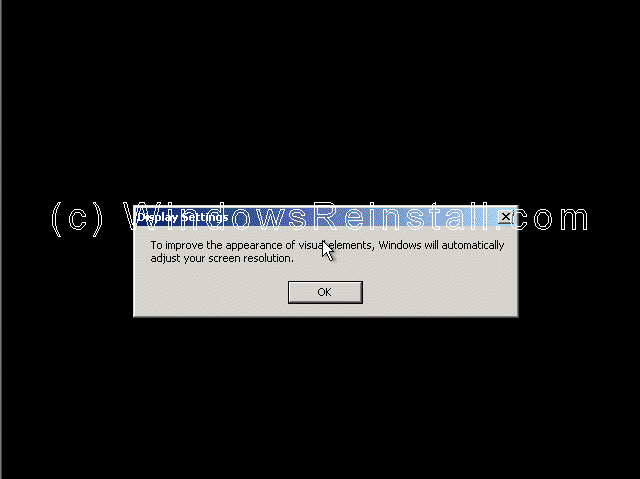
Windows will now adjust your resolution, click "OK"
to continue.
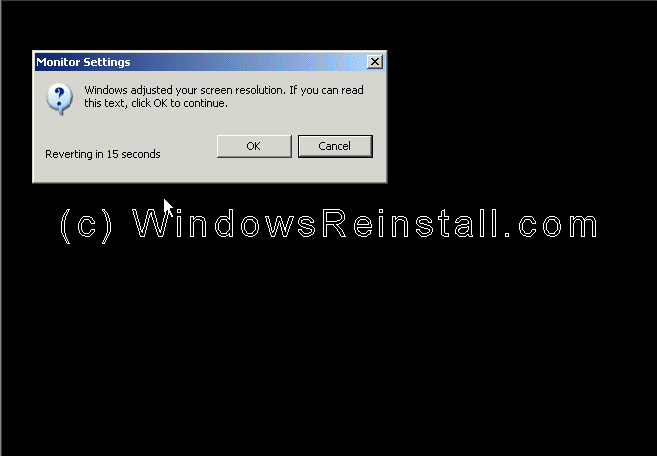
If you are happy with the changes, click "OK"
otherwise press "Cancel" to return to the old settings
"Welcome to Microsoft Windows" screen now appears,
press "Next" to continue.

Internet connection option is next. If your computer connects
to a home network or directly using the network card, or is on a network then
select "Yes", otherwise select "No".

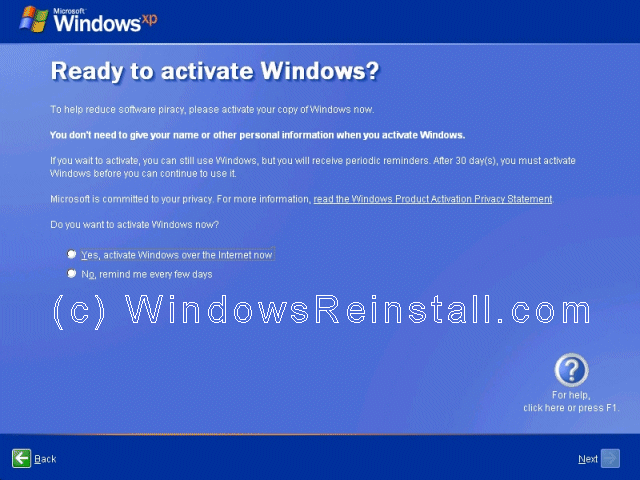
Activate Windows option appears next, we recommend that you
select "No, remind me every few days", that will allow you to make
sure everything is correct and running OK before you use up one of your
activate attempts. It also allows you to setup your security options and
internet connection correctly. Click "Next to continue"
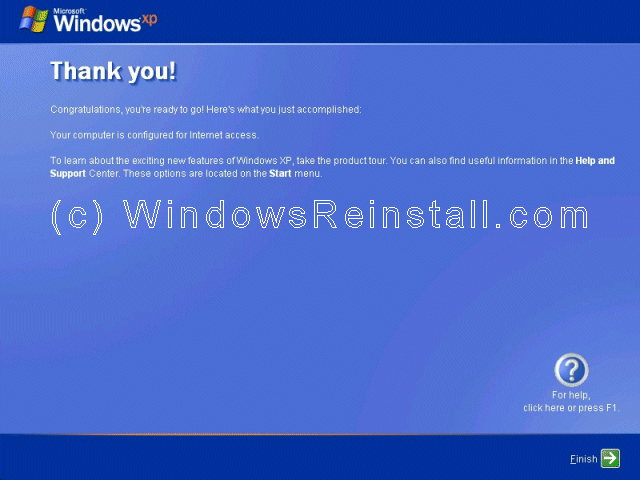
Windows now thanks you, click "Finish" to
continue.
Windows will now apply your settings...
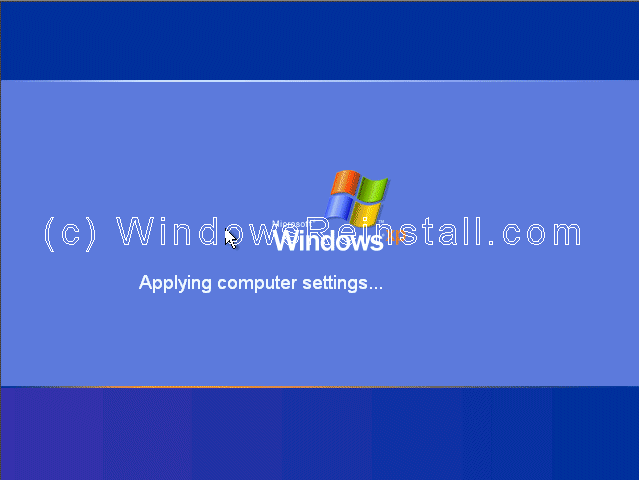
Now Windows "WELCOME" screen.

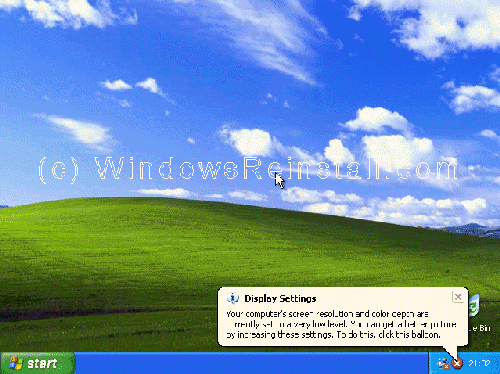
and finally the Windows XP Desktop. Windows is now
installed.
If you are lucky you will have no drivers to install, but
chances are the next step will be to install them. Check out device manager
for unknown devices, likely items are Network Cards, Sound Cards, Printers,
Scanners, Graphics Cards, Digital Cameras, etc.
As you done an upgrade you may want to download the latest
drivers for all your hardware, and check your programs also as some may not
work or require updates.
Click
here for main page
|

