Windows Recovery Environment
Windows Recovery Environment (WinRE) Memory Diagnostic Tool Guide step by step.
Click here to find out how to Start the Recovery Environment (WinRE)
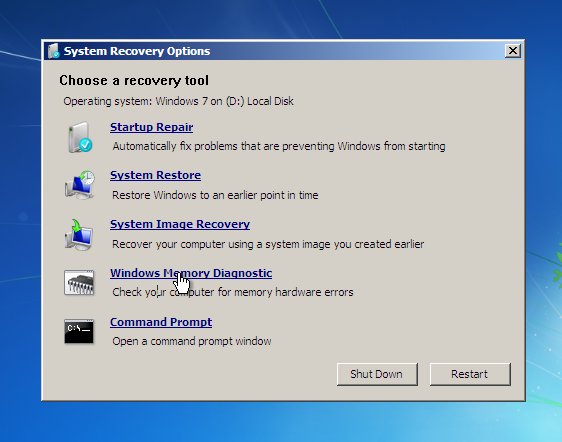
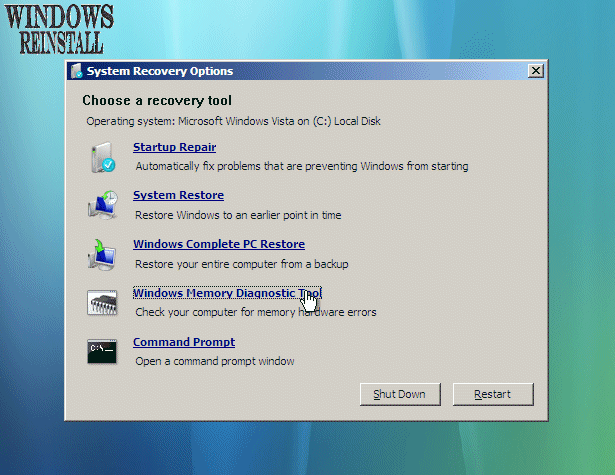
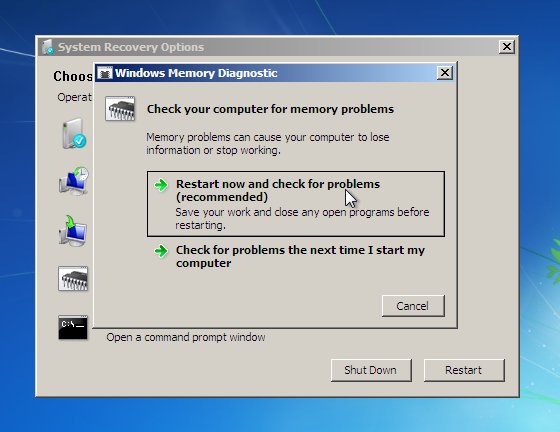
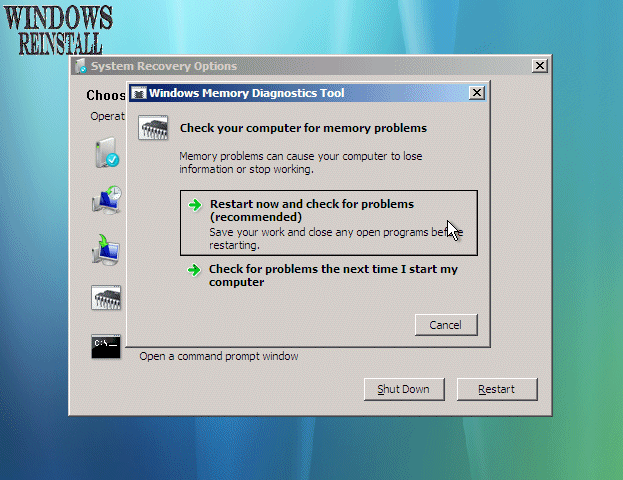
Note: Guide contains both Windows 7 (Left) and Vista (Right) images, click on images to enlarge
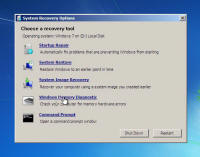
Now select "Windows Memory Diagnostic Tool" from the "System Recovery Options" menu.
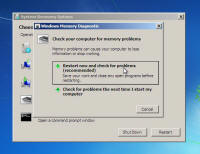
The "Diagnostic Tool" menu will appear. Select "RESTART NOW AND CHECK FOR PROBLEMS"
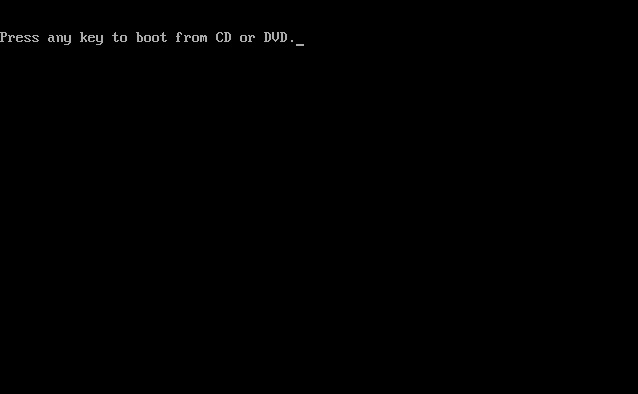
If an Operating System is already on the Computer then the following screen will appear stating "Press any key to boot from CD or DVD", do NOT hit any keys on the keyboard to continue.
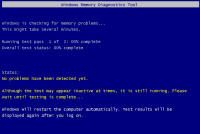
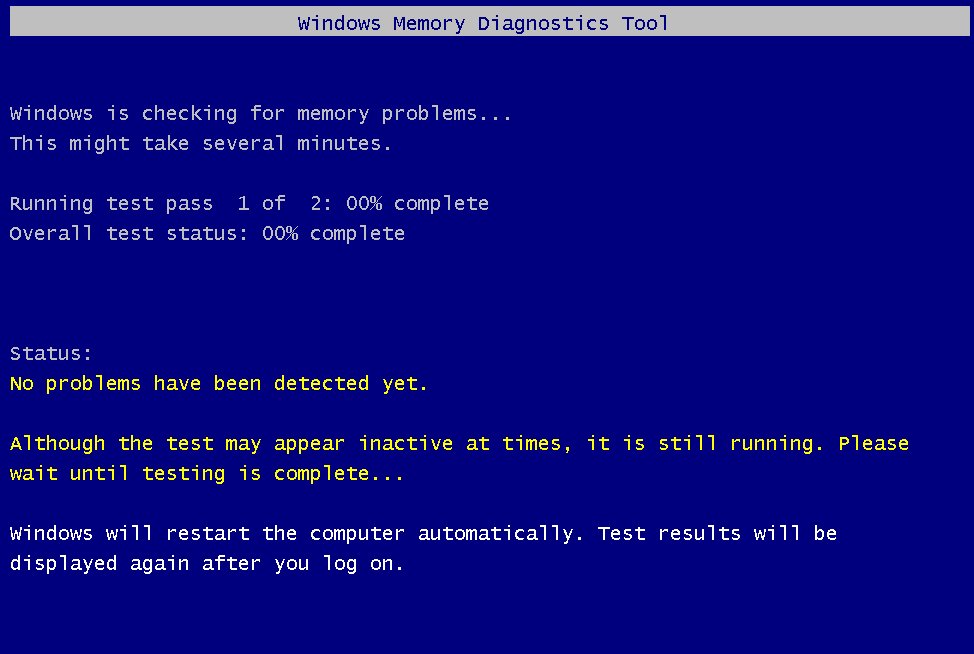
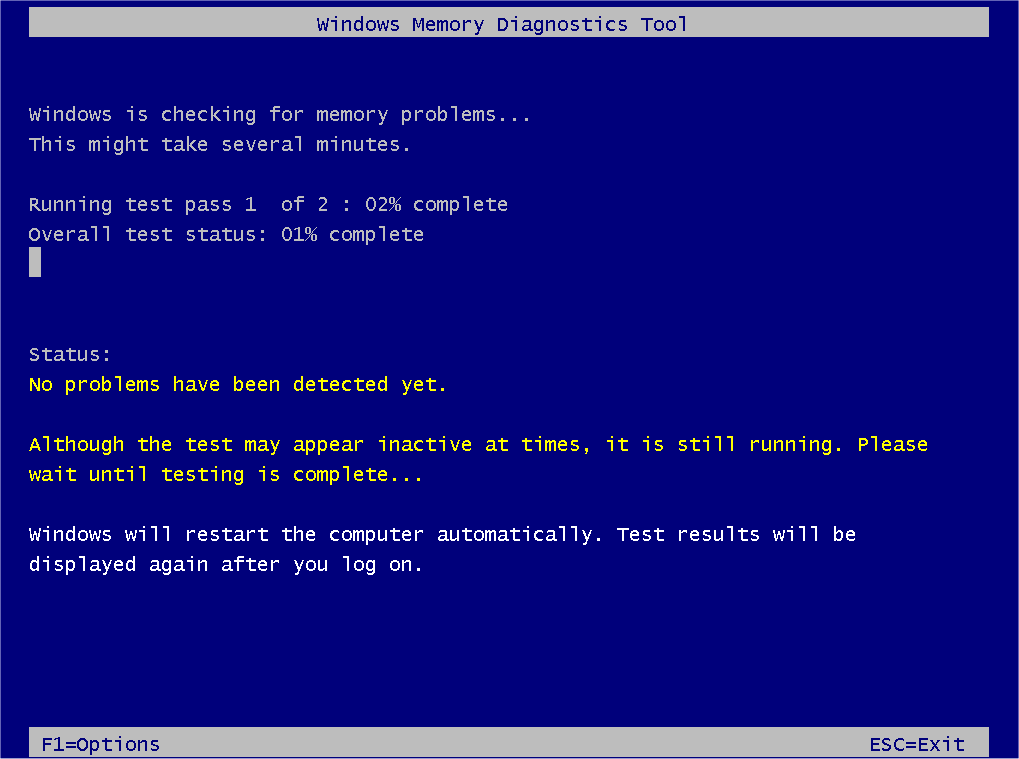
The "Windows Memory Diagnostic Tool" will appear. Let it run, it may take some time so be patient.
If a problem is found it will appear on this screen, this means you will more than likely need to replace one more of your memory sticks. This results will also appear again once you log back into Windows.

/Windowsreinstall/winre/repairstartup/index.20.jpg)
| Tags: Windows 7 memory diagnostics, check memory, test memory, Windows Vista memory diagnostics, Windows XP memory diagnostics | ||
