Microsoft's Windows 98 - Part 6
PART 6 |
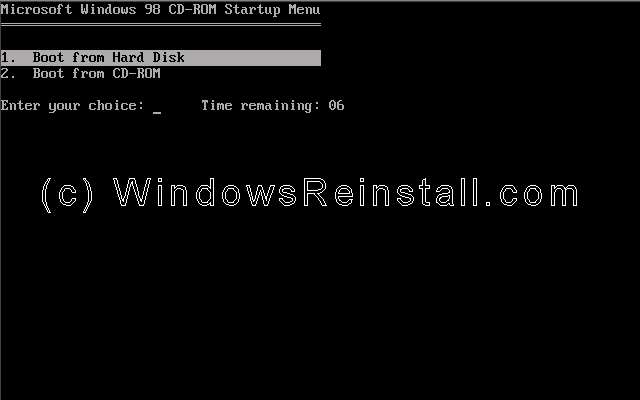
The CD-ROM boot menu will appear. Select Option 1 (Boot from Hard Disk) and press enter.
Windows will continue to load.
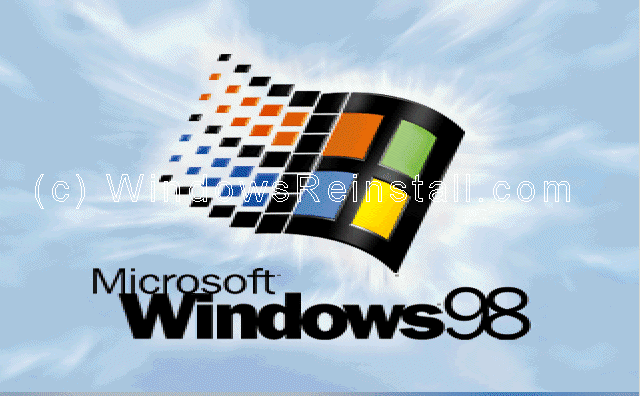
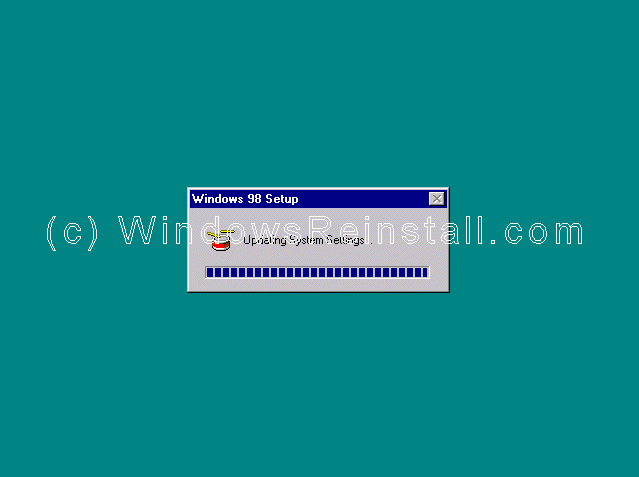
and update System Settings.
At long last you have arrived at the desktop.
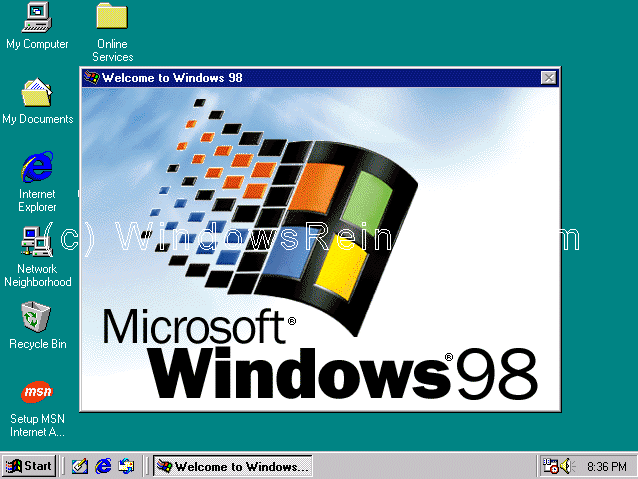
If you are lucky you will have no drivers to install, but chances are the next step will be to install them. Check out device manager for unknown devices, likely items are Network Cards, Sound Cards, Printers, Scanners, Graphics Cards, Digital Cameras, plus any other item you have.
THE END |
| Tags: Reinstall 98, 98 install, install windows 98, win98, 98, 98 home, 98 SE, win98 guides, 98 parallel install, fix 98, windows 98 guide, 98 system specs, required specs, new, updates, win98 dos install | ||