|
|
|
|
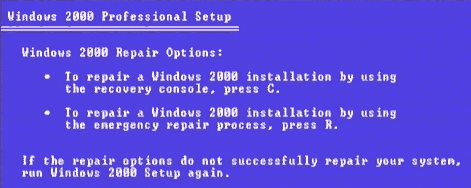
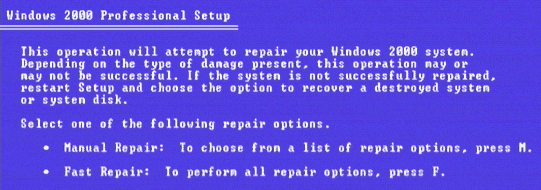
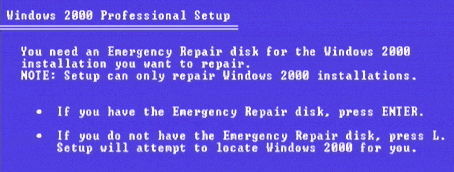
| Use a Windows 2000 ERD Disk |
Privacy policy Link Exchange Links page Contact Info By using this website you are agreeing to this Disclaimer & Legal statement
|

|
|
|
|
| Use a Windows 2000 ERD Disk |
Privacy policy Link Exchange Links page Contact Info By using this website you are agreeing to this Disclaimer & Legal statement
|